
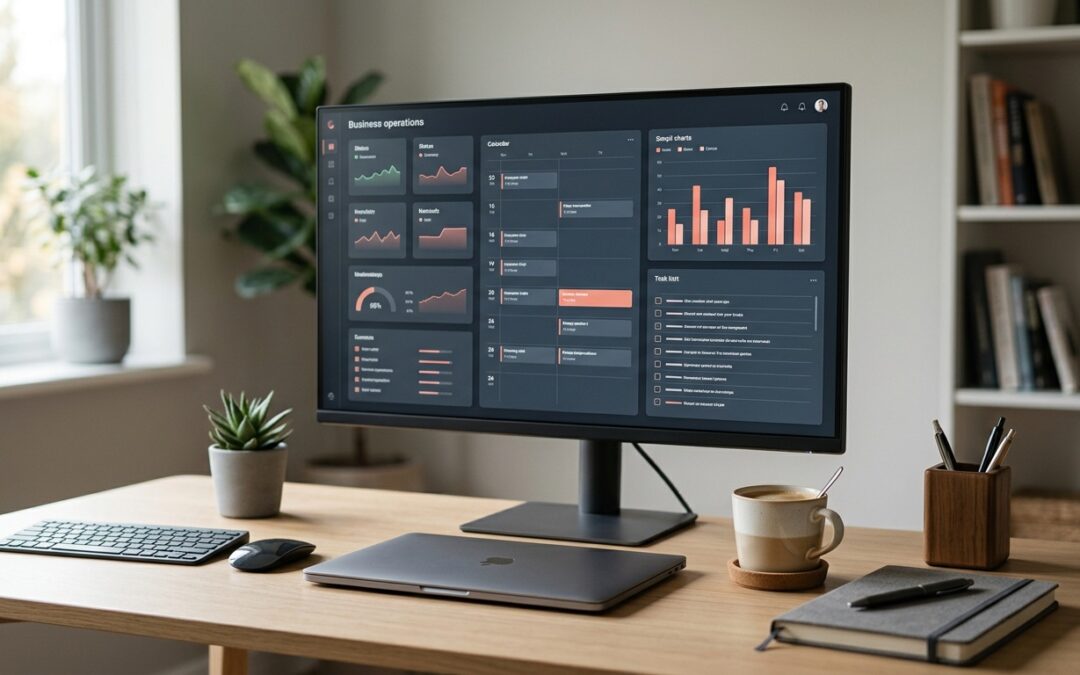
If your morning starts with six browser tabs, three logins and a scroll through the inbox before you know what the day looks like, you are not alone. Most small business owners run their operations across a pile of disconnected tools. Workflow dashboards fix that by pulling the information you check every day into one secure screen, so you spend less time hunting and more time doing the work that pays.
What a workflow dashboard actually is
A workflow dashboard is a single page that shows you the state of your business at a glance. Think of it as the cockpit for your day. It pulls live data from the systems you already use, such as your project management tool, email, calendar, invoicing software and website hosting, and lays it out in panels you can read in seconds.
The point is not more software. The point is fewer places to look. Instead of logging into five apps to answer the question of what needs your attention today, the dashboard answers it for you. Overdue tasks, unpaid invoices, upcoming meetings and website alerts all sit side by side.
At Trapdoor Media we run our own operations this way. Our dashboard shows hosting status for every client site, the day’s calendar, project progress from Monday.com, and a queue of scheduled tasks that run in the background. It started as an experiment and quickly became the first thing opened every morning.
Why security has to come first
A dashboard that connects to your email, your accounting software and your client data is a high-value target. If it is built carelessly, you have just created a single door that opens everything. That is why secure is not a nice-to-have in this conversation.
A few principles keep a business dashboard safe. Run it locally or behind a private network rather than exposing it to the public internet. Use read-only API access wherever possible, so the dashboard can display data but cannot delete or change it. Store credentials in environment files, never in the dashboard code itself. And turn on multi-factor authentication for every connected account. The Australian Cyber Security Centre’s small business guide lists multi-factor authentication, software updates and regular backups as the three most effective steps a small business can take, and all three apply directly here.
The same thinking applies to your website. Secure, business-grade hosting with daily backups and malware scanning is the foundation everything else sits on. A dashboard that reports your site is healthy is only useful if the hosting behind it is doing the real work.
Where the time savings come from
The obvious win is the morning check-in. What used to take twenty minutes of clicking around becomes a two-minute scan. The bigger gains come from what you can attach to the dashboard once it exists.
Scheduled jobs are the first step. A daily sweep that checks every client website is loading correctly, a weekly report that pulls project status into one email, a monthly reminder that goes out to clients automatically. None of these need you to remember them. They run, and the dashboard shows you they ran.
Then there is the AI layer. Workflow dashboards become far more useful when they can act, not just display. Email triage that sorts the inbox and drafts replies for review, content tools that research and write a first draft, and alerts that reach your phone only when something actually needs a human. This is exactly the kind of practical automation we build through our AI solutions for business, and it is well within reach for a small team.
The Small Business Development Corporation WA makes the point that there is almost certainly a digital tool to suit your business goals; the trick is choosing ones that add real value rather than another login to manage. A good dashboard is how you make those tools work together instead of competing for your attention.
Getting started without overbuilding
You do not need a custom build on day one. Start by writing down the five things you check every morning and where you go to check them. That list is your first workflow dashboard, even if it begins as a single page with links and a few live widgets.
From there, add one connection at a time. Get the hosting status panel working before you touch invoicing. Lock each connection down properly before adding the next. Within a few weeks you will have a dashboard that reflects how your business actually runs, built on tools you already pay for.
If you want a hand designing workflow dashboards that are secure from the start, get in touch with Trapdoor Media. We are happy to talk through what you are juggling and where the quick wins are.